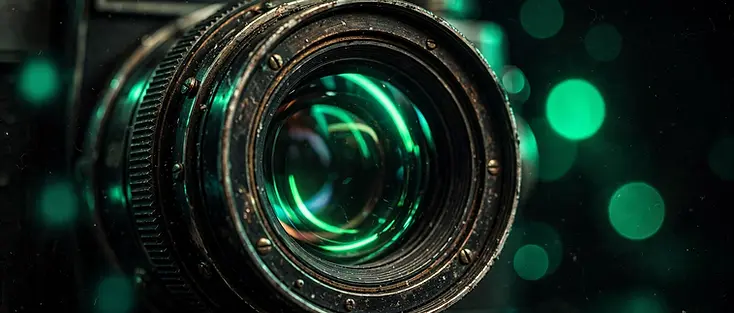
Why most AI video prompts look flat
The default AI video clip is bright, evenly lit, and centered, three things real cinema almost never is. The fix is rarely a bigger model. It is a more specific prompt that names the camera, the lens, the light, and the movement.
1. Name the lens and the focal length
Generic prompts produce generic depth. Tell the model you want a 35mm lens at f/1.4 and it starts separating subject from background the way a real camera does.
- Wide lenses (24-35mm) exaggerate space and motion.
- Long lenses (85mm and up) compress distance and isolate subjects.
- Fast apertures (f/1.4 to f/2.0) give you soft, cinematic bokeh.
2. Describe the light, not the mood
Moody means nothing to a model. A single practical lamp camera-left, deep shadow on the right half of the face means something. Light direction is the single biggest lever you have.
3. Move the camera on purpose
Static frames read as stock. A slow dolly-in builds tension; a locked-off tripod frame reads as observational. Pick the movement and name it.